Most workplaces have some version of the right idea. A sit-stand desk bank near the window. A few stools in the breakout zone. Posters reminding people to take a walk. What they often lack is an environment that makes movement the easy choice rather than the conscious one.
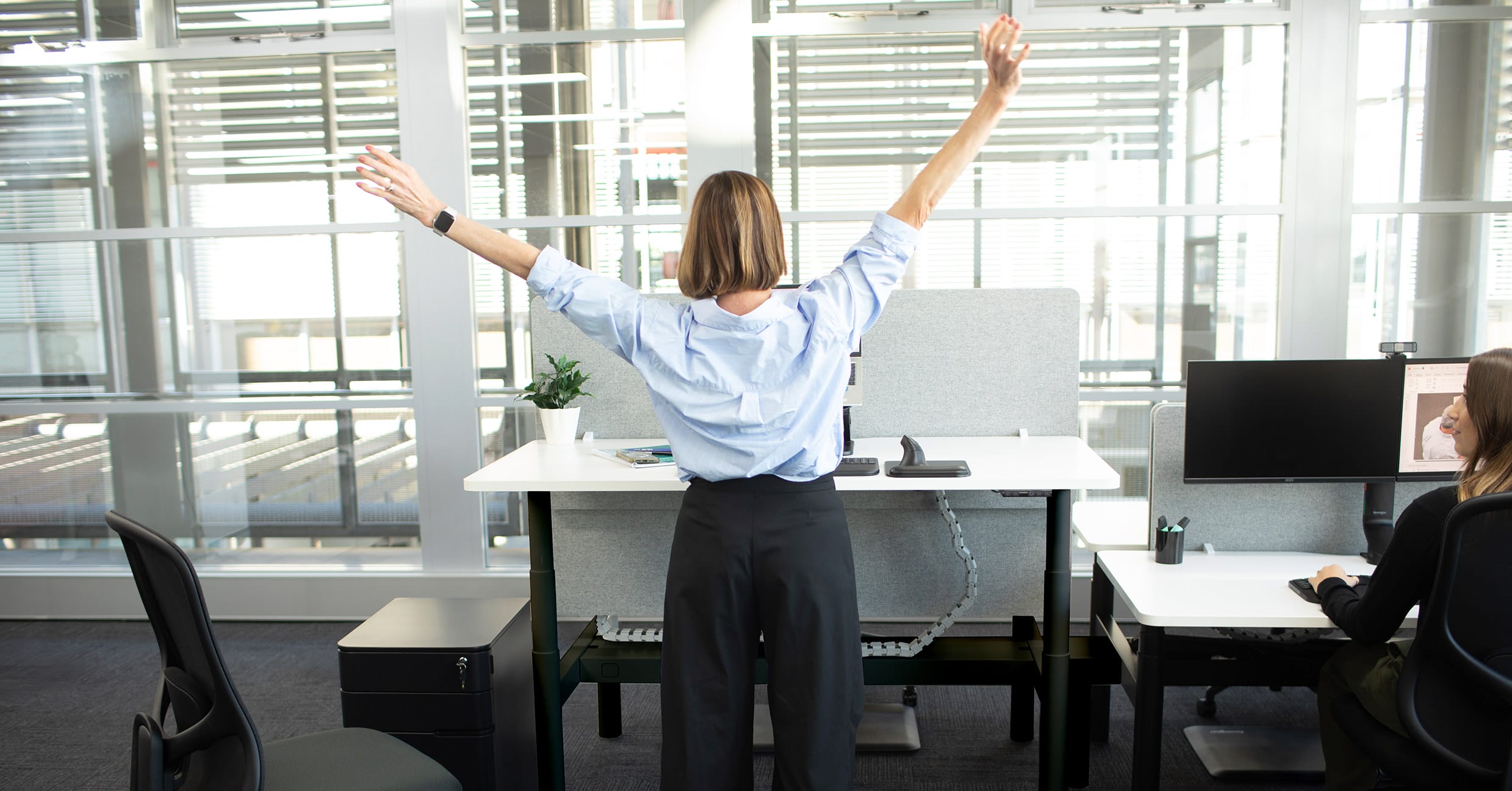
As Australian physiotherapist Jarryd Croxford argues in Buro's interview on the perfect posture myth, the goal was never to hold a fixed position all day. The goal is to keep moving. This article explains how employers and facilities teams can design a workplace that does that work automatically.
Why the environment does the work that willpower can't
Movement programmes and reminder apps put the responsibility on the individual. Good workplace design puts it on the environment. That's a more reliable place for it.
When a floor plan makes movement easy, it happens. When it doesn't, most people stay in their seat, not because they don't know better, but because the path of least resistance runs straight through it. The evidence on prolonged sitting is well established: sustained sedentary periods affect physical health, concentration, and energy levels across the working day.
What's less often acted on is the employer's role in changing that. The decisions made at the specification stage, which furniture, which layout, which seating types, determine how much movement an ergonomic workplace naturally produces. That's within the control of HR and facilities teams before a single workstation is occupied.
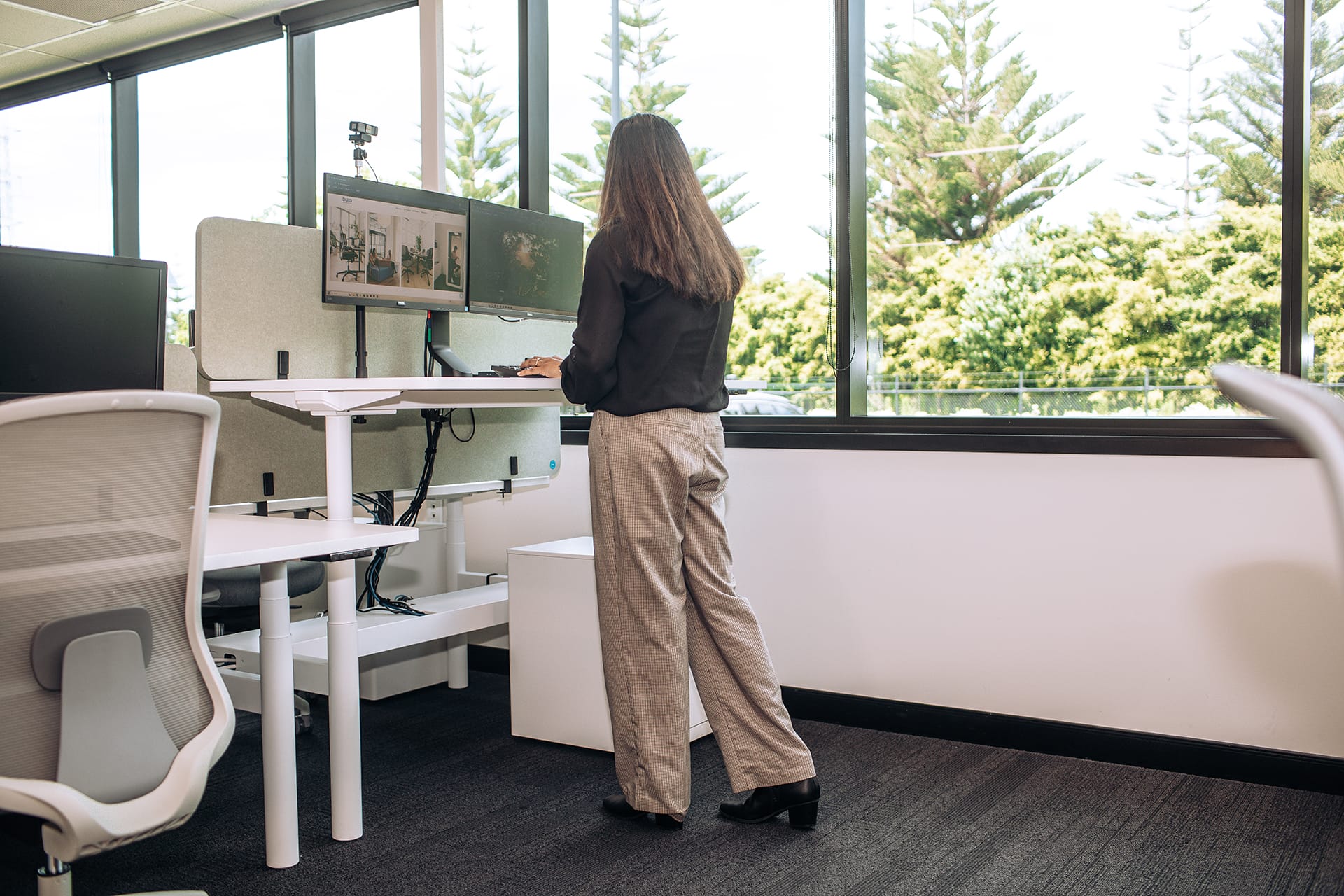
Setting up a sit-stand workstation that people actually use
A height adjustable desk that stays at sitting height is a fixed desk with a motor. The investment only pays off when people actually use the full range.
Getting the height range right
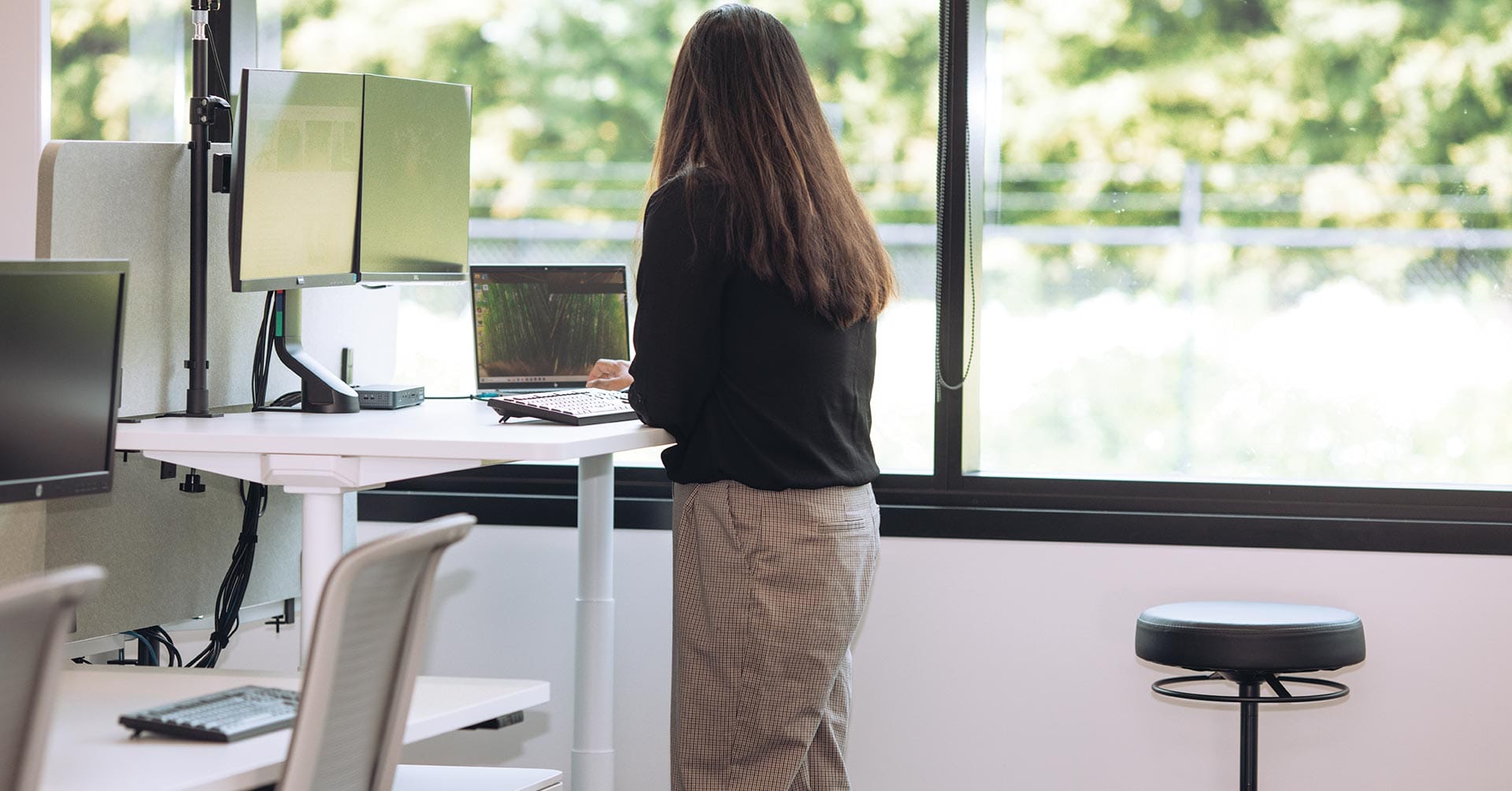
The Buro Syntra height adjustable desk runs from 650mm to 1300mm, which covers seated and standing working heights for most users. At the standing position, the user's forearms should sit roughly parallel to the floor with shoulders relaxed. Simple enough, but worth building into the installation process. A desk already dialled in to the right standing height removes the small friction point that, in practice, determines whether the desk gets used properly or just sits at sitting height indefinitely.
Two programmable memory presets mean users switch between positions with one button. No fussing with manual adjustment mid-task. For open-plan or hot-desk setups, the back-to-back Syntra variant fits more workstations into less floor space without giving anything up functionally.
Pairing the desk with the right seating
A sit-stand workstation works alongside a well-specified ergonomic chair. For most of the working day, the chair is still doing the primary job, and it needs to be set up correctly regardless of what desk it lives with.
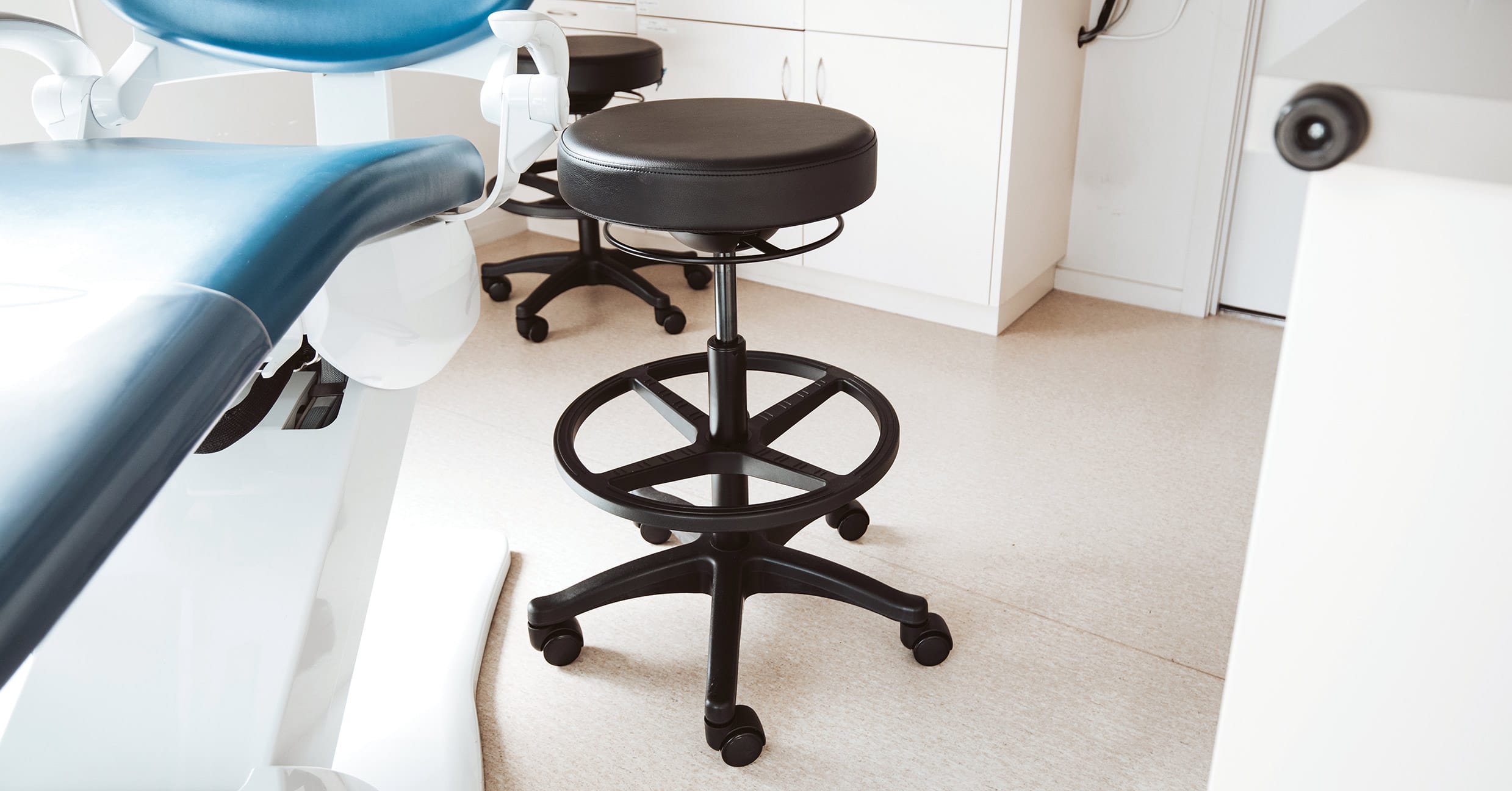
Where the pairing gets more interesting is at the transition point. A drafting chair or perching stool at standing-desk height gives users somewhere to land between positions, supported enough to sustain a longer standing session, without the full commitment of standing throughout. In practice, it makes people less likely to give up on standing altogether. For the individual habit side of this equation, Buro's piece on sit-stand habits and movement cues covers the personal routine well.
Where active sitting fits in a mixed seating environment
A height adjustable desk that stays at sitting height is a fixed desk with a motor. The investment only pays off when people actually use the full range.
Where to deploy active stools in the office
Office stools work best in short-duration, higher-energy settings. Breakout zones and collaborative areas are the obvious fit; people are already shifting posture, moving between conversations, and working on tasks that don't require extended screen time. An active stool at a height-adjustable workstation also provides employees with a supported perching position during the sit-to-stand transition, making it easier to sustain.
Where they don't belong is at primary workstations for all-day tasks. Deep focus work and extended keyboard sessions need the full adjustability and lumbar support of a proper task chair. Active stools complement ergonomic chairs. They don't replace them.
Choosing chairs that encourage movement while seated
Seating design has a direct bearing on how much micro-movement happens during the seated portions of the day.
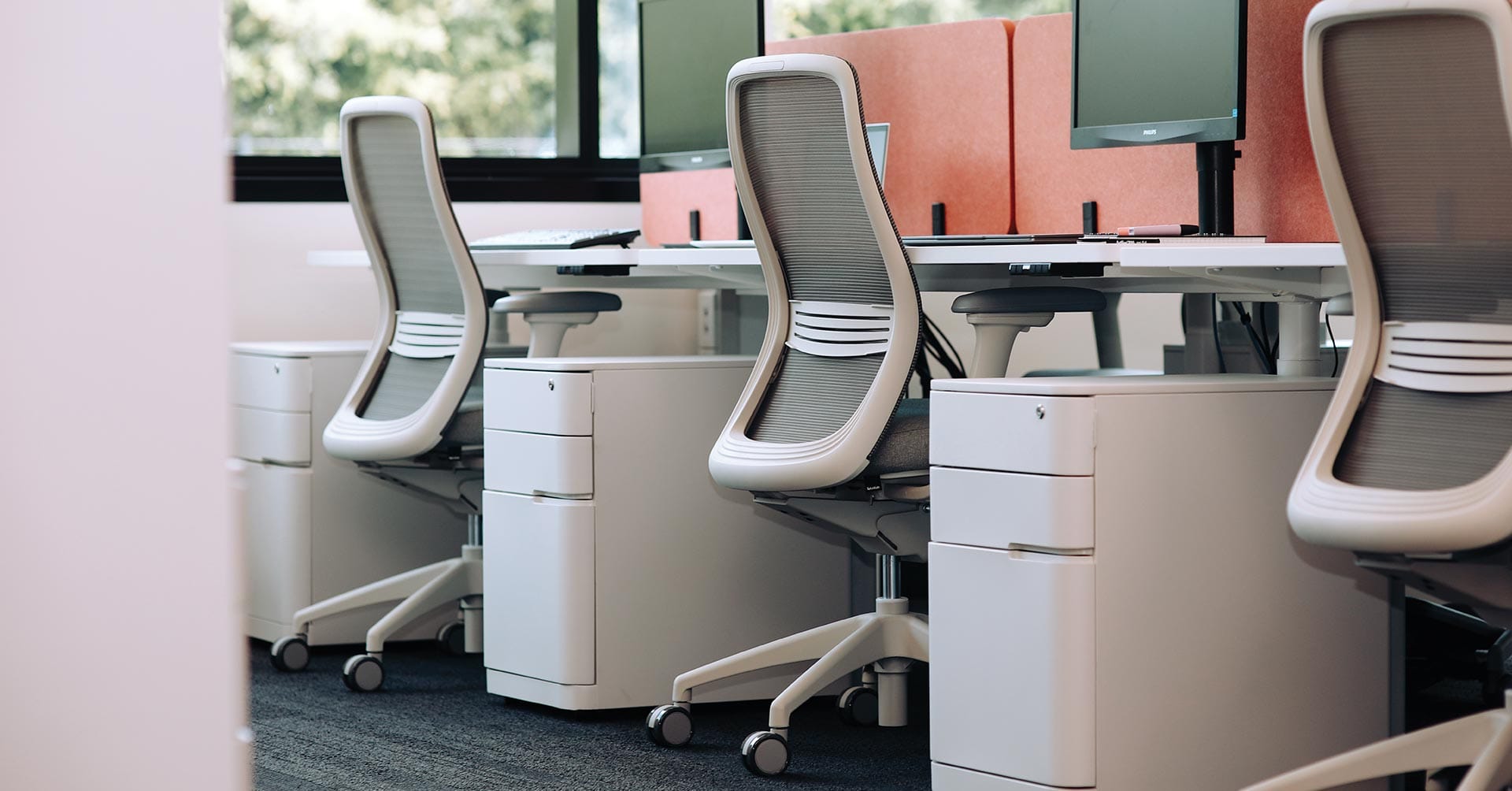
A chair with a free-float or synchronised tilt mechanism moves with the user as posture shifts. Leaning forward, reclining briefly, shifting weight to one side, a responsive mechanism accommodates all of it. A locked backrest doesn't, and users tend to hold a single position longer as a result.
When specifying ergonomic chairs at volume, tilt mechanism type is a more meaningful differentiator than it first appears.
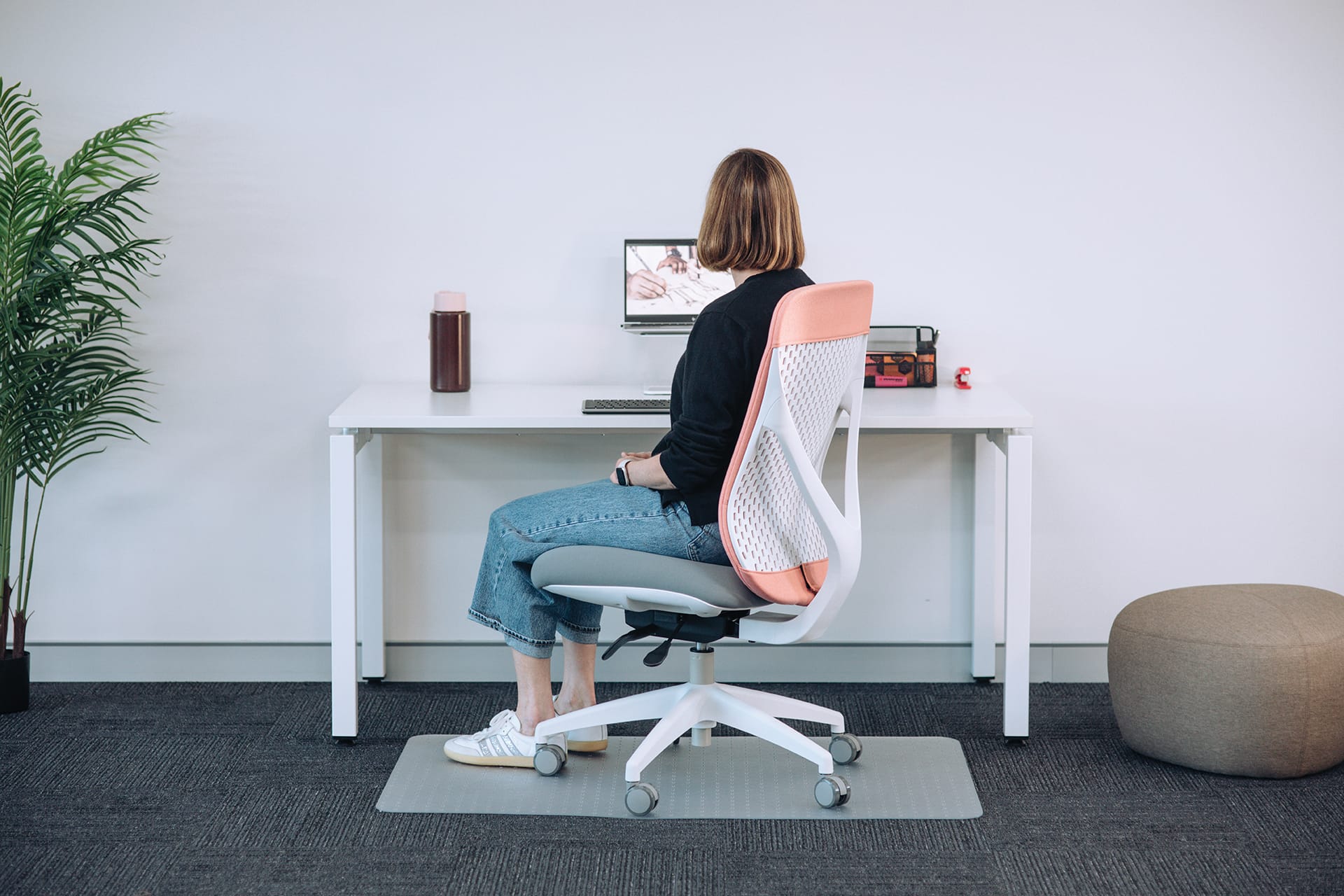
The Buro Axon's synchro mechanism keeps lumbar contact consistent through the range of motion.
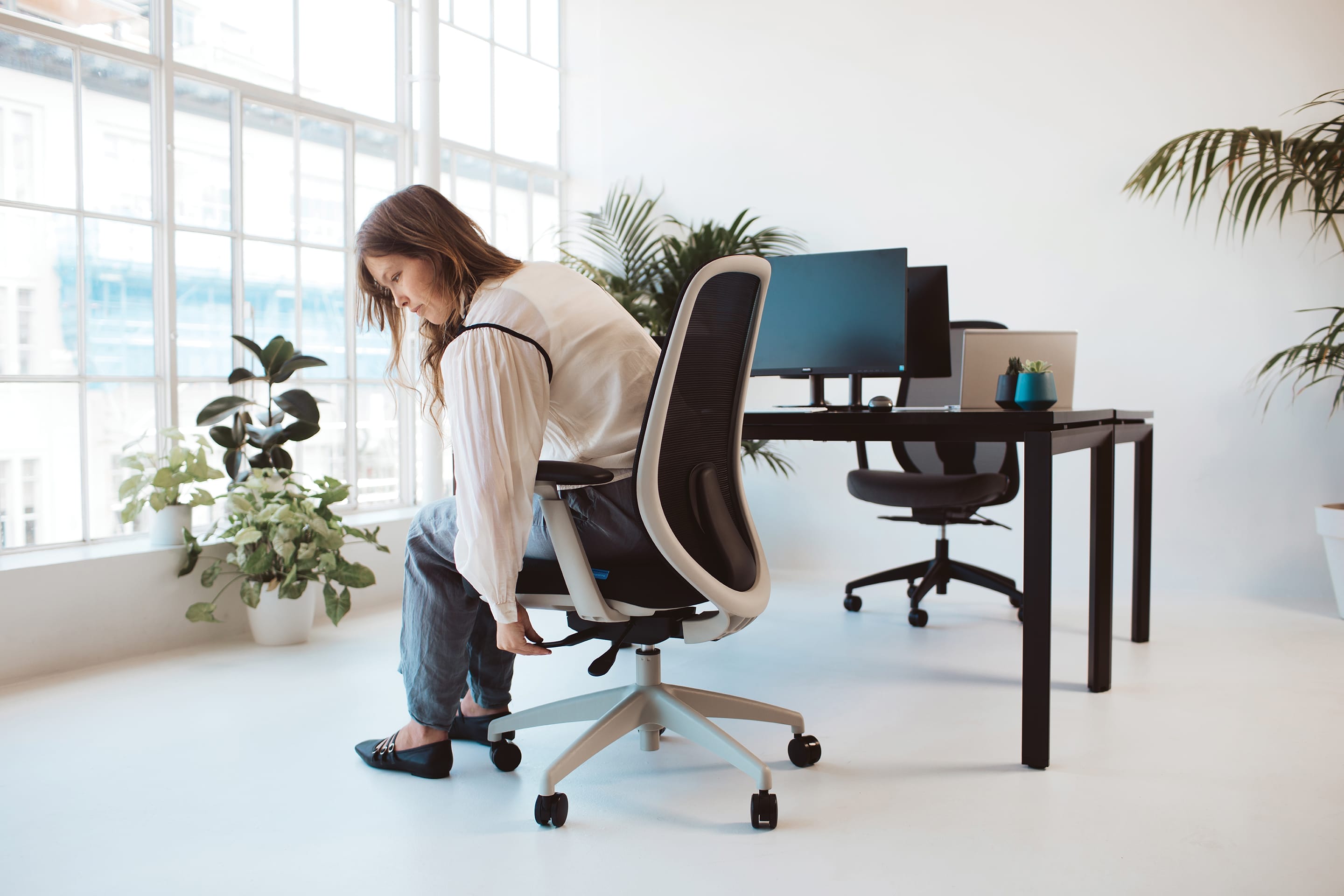
The Buro Force offers height-adjustable lumbar support for different users at the same workstation.
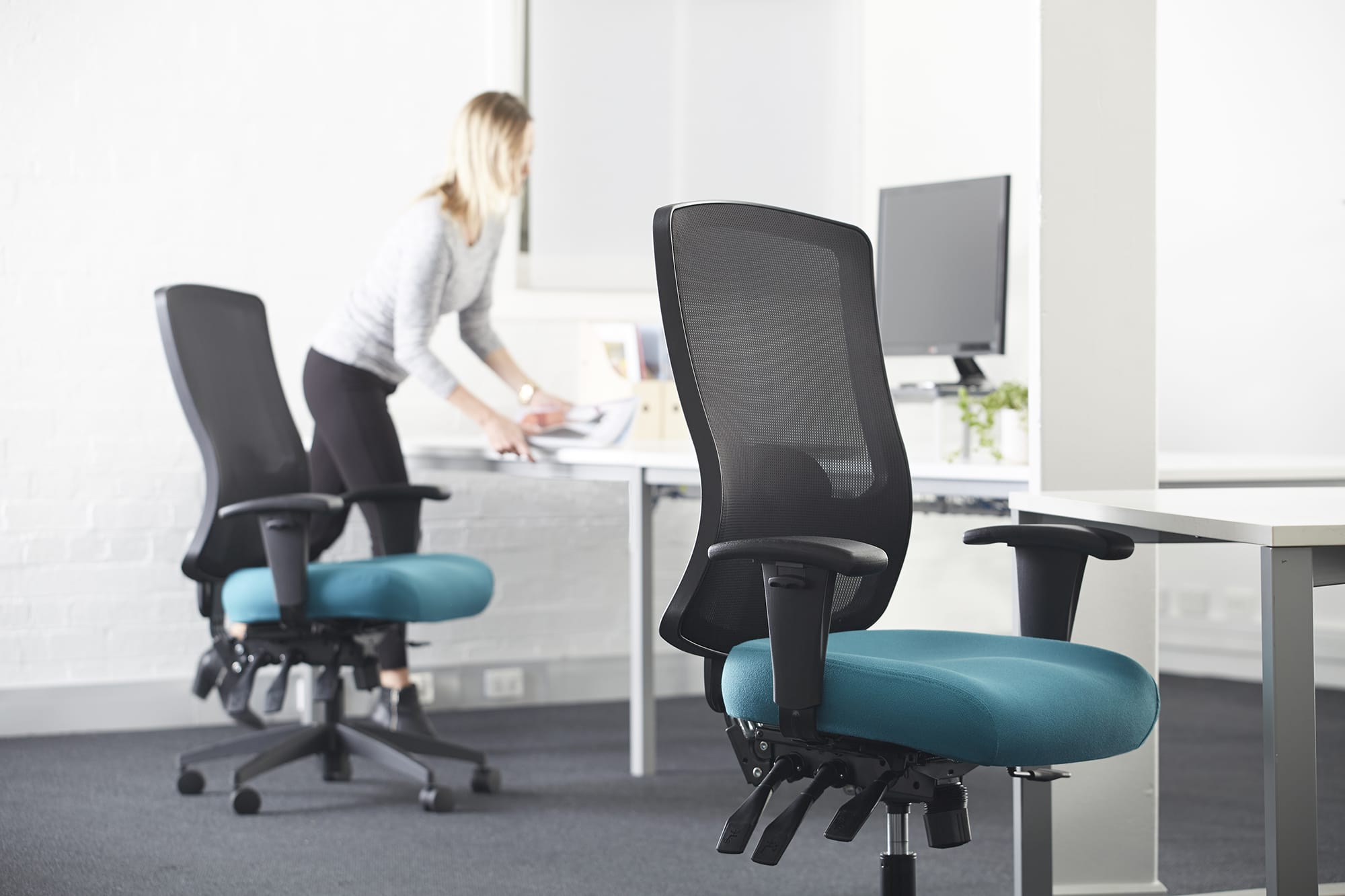
For organisations where WHS sign-off matters, APA-endorsed models such as the Buro Tidal give procurement teams a recognised clinical reference point rather than a specification claim alone.
It’s easy to start feeling better at work
None of these decisions needs to happen at once, and not every desk needs to be a sit-stand desk for the approach to work. What matters is that the floor plan offers range, a well-specified task chair at each workstation, active seating options in collaborative zones, and height adjustable desks where sustained focus work happens. When the environment is set up that way, movement becomes the default rather than the exception.
To discuss specifying the right mix for your workplace, find a Buro reseller near you.