You drop into a free desk, find it set to the height of whoever sat there last, and just get on with the day rather than resetting it. That small compromise, repeated across a floor of rotating staff, adds up to a workplace where almost nobody is working at the right height. It is one of the quieter problems of hot-desking, and it comes down to specification.
This guide covers the ergonomic case for a height adjustable desk in a shared space, how to plan a back-to-back height-adjustable desk layout for an open-plan floor, and how to match the specification to the way your team actually works.
The hidden cost of a desk that fits nobody
A fixed height desk was built for one body. A hot desk floor does not have one body. It has a marketing coordinator who is 158cm and a warehouse manager who is 191cm using the same surface on different days. When the desk cannot move, people adapt to it instead, and the ways they adapt all carry a cost:
- Sitting too high, so the shoulders lift and the wrists bend upward to reach the keyboard.
- Reaching for a low surface, rounding the back and craning the neck toward the screen.
- Not adjusting at all, because resetting the desk feels like more effort than it is worth.
None of these register as a problem in the moment. Over months, they show up as fatigue and lost focus, and eventually as the musculoskeletal complaints that flow back to the employer as lost time. The Australian standard for fixed office desks sits around 720 to 750mm because that suits the median adult. A real team is not built of median adults, and a hot desk has to serve the full spread.
Why a height adjustable desk works differently in a shared space
Adjustability only helps if it's effortless
The ergonomic case for a height adjustable desk is well established. It lets each person set a neutral posture, and it supports movement between sitting and standing across the workday. In a shared setting, though, there is a catch that single-user advice tends to skip.
Adjustability only delivers if using it is effortless. If setting the desk takes fiddling, people default to whatever height they inherited, and the feature you paid for goes unused. Shared desks are one part of a broader movement-friendly workplace, and the same principle runs through all of it: the easier you make the healthy option, the more it gets used.
Why memory presets matter for shared desks
A desk that remembers a saved height and returns to it at one touch removes the friction entirely. Someone sits down, presses their preset, and the surface arrives at the right height before they have opened their laptop. The Buro Syntra range does this with a five-key controller that holds two memory positions, so a regular hot-desker can set their sitting and standing heights once and recall either in seconds. In a rotating environment, that is the difference between a desk that adjusts in theory and one that adjusts in practice.
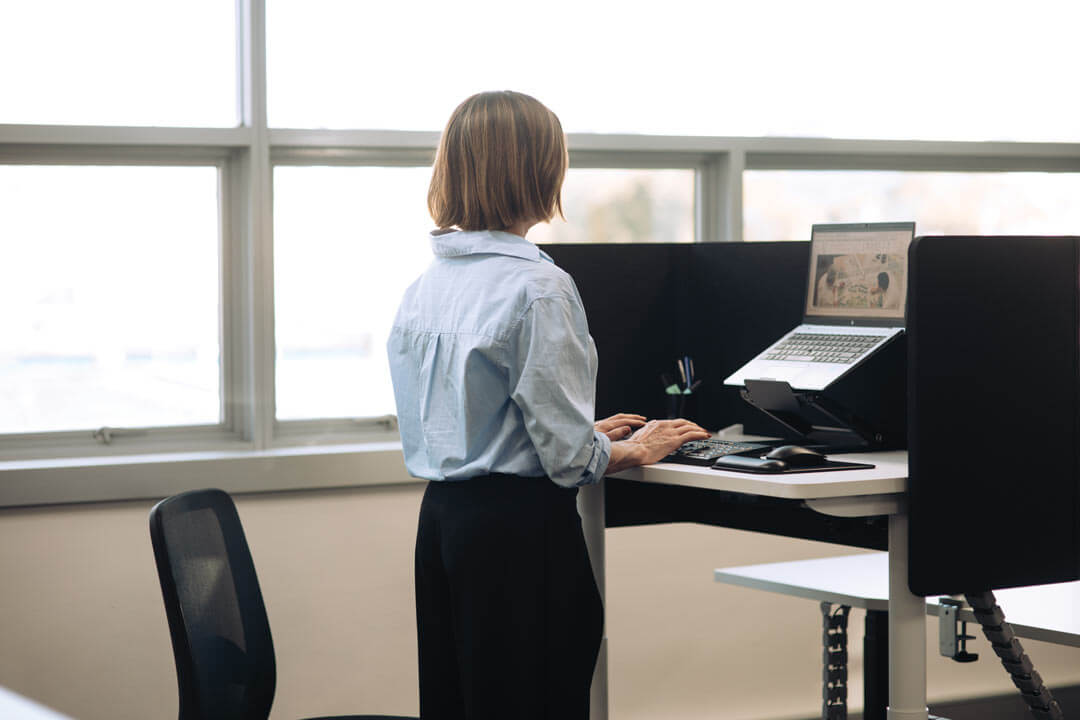
The Buro Syntra Height Adjustable Desk 1200 x 600 works well where floor space is tight.
Matching your desk specification to how the team works
Start with how the floor is actually used
Before choosing configurations, look at how the space runs day to day. A fully unassigned floor needs different provisioning from one where teams have loose neighbourhoods and drift between focus and collaboration zones. Count how often people are in, and which roles need a permanent setup rather than a touchdown spot. The pattern of use tells you how many back-to-back runs you need and where a single desk makes more sense.
Specifying for height diversity
The wider a desk's range, the more of your team it fits without compromise. The Buro Syntra range varies slightly between models, most adjust from 650 to 1300mm, extending well below and rising beyond the range of many conventional sit-stand desks.
That matters in a diverse team, because the same desk has to suit your shortest and tallest people rather than asking either of them to adapt. Treat range as an inclusion specification, not just a number on a spec sheet.
The right configuration then depends on where each desk sits and who uses it:
| Configuration | Best for | Footprint | Users per frame |
| Single 1200x600 | Touchdown workstations, compact spaces, visitor desks | Compact | One |
| Single 1500x750 | Perimeter desks, quiet zones, assigned-flex spots | Compact | One |
| Back to back 1500x750 | General hot-desking, open-plan pods | Efficient | Two |
| Back to back 1800x750 | Multi-monitor and spread-out roles | Generous | Two |
Commercial-grade vs consumer-grade desks
A desk on a hot-desk floor is cycled up and down by different people every day, a far harder life than a home desk used by one person. That duty cycle is where consumer-grade products fail early. Commercial specification is what holds up:
- Dual motors and a 140kg load rating built for repeated daily adjustment under real loads.
- Anti-collision and overload protection for a desk that many hands will use.
- ANSI/BIFMA X5.5 testing, backed by a 10-year guarantee on the desk and electronics.
Making a shared desk feel personal
The usual answer to personalising shared space is a locker by the entrance and a noticeboard on the wall. You can do better than that. A mobile pedestal gives each person lockable storage that rolls with them to whichever desk they land at, then tucks away when they leave. It keeps personal items secure without tying anyone to a fixed spot, which is the whole point of a shared floor. It is a small addition that makes a rotating desk feel like it belongs to whoever is using it that day.
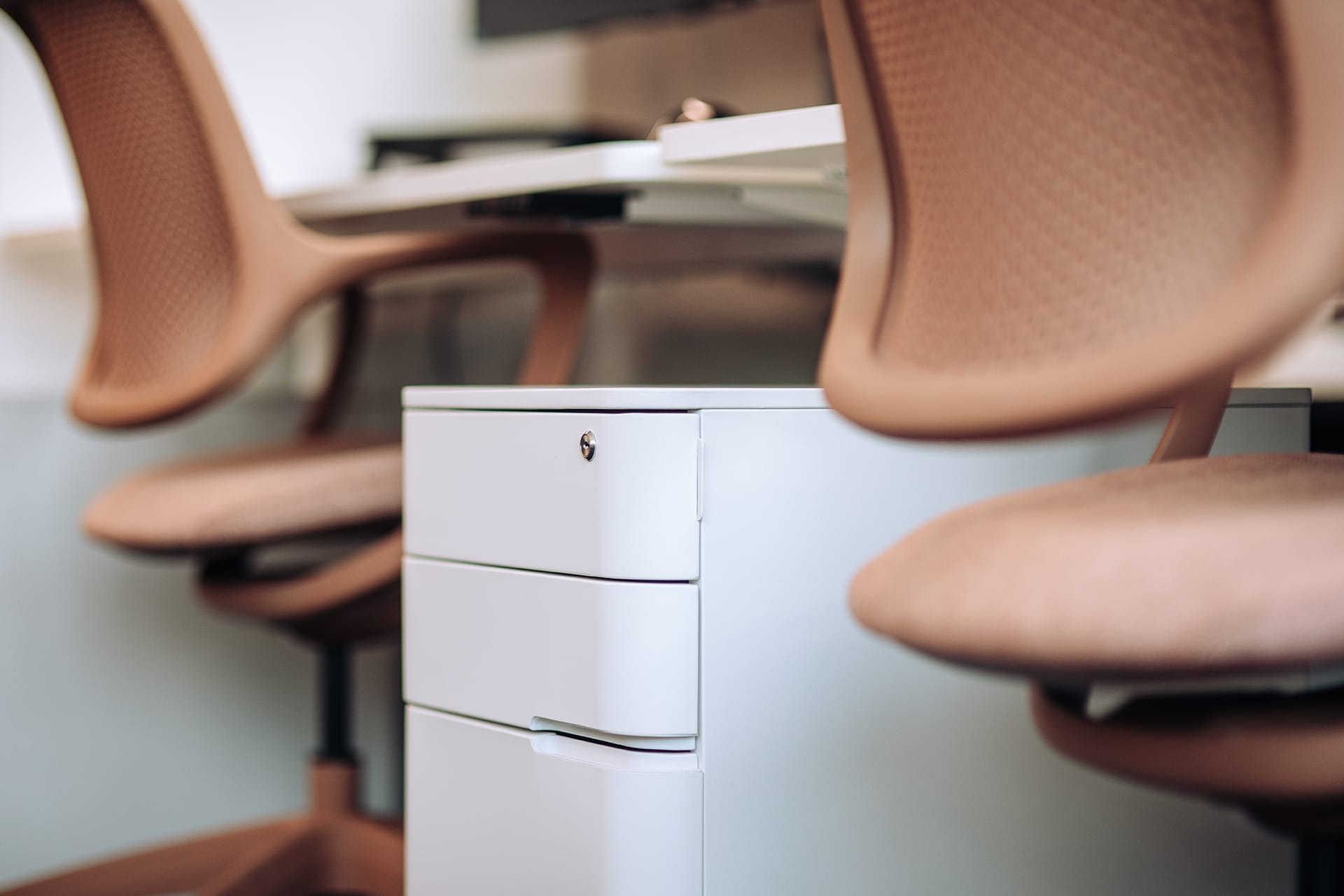
The Buro MyWorkSpace Mobile Pedestal in White.
Planning a back to back height adjustable desk layout
What to plan for in a back to back run
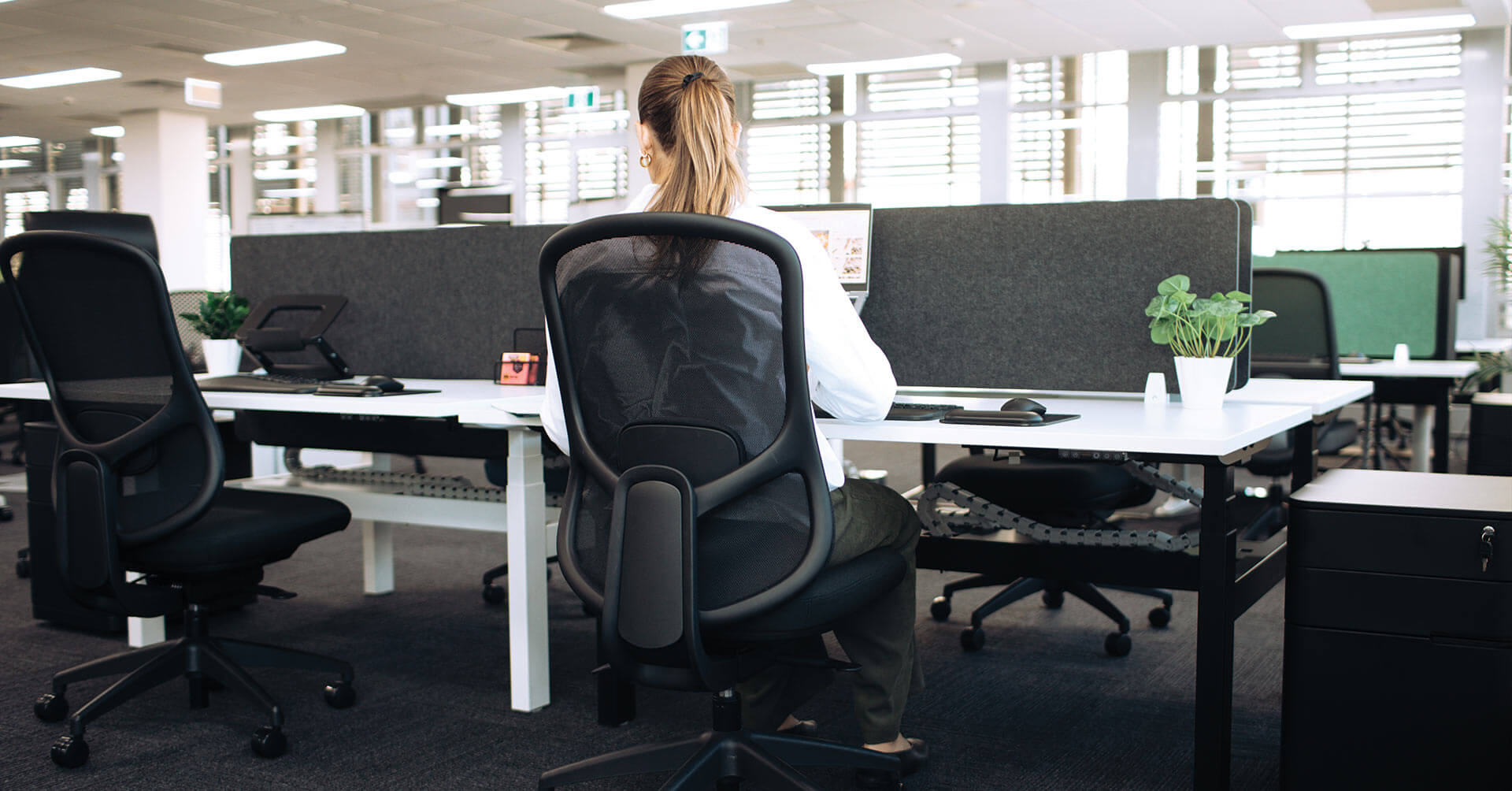
Most open-plan floors rely on back-to-back workstations to make efficient use of space while keeping teams connected. Before choosing a configuration, think about what people will actually be doing at those desks.
- Phone and video calls. If people spend much of the day on Teams or customer calls, consider how much separation is needed between neighbouring workstations.
- Team proximity. A back-to-back arrangement can work well when the same team is sitting together and collaborating regularly. It may be less effective where focused individual work is the priority.
- Privacy requirements. Some roles involve discussing sensitive information, while others are largely screen-based and collaborative. Workplace settings, screens and acoustic elements should reflect that.
- Desk-mounted screens can help reduce distraction and provide a greater sense of separation without closing off the space entirely.
- Technology setup. Power access, monitor arms and cable management become more important as people move between desks throughout the week.
- Movement through the floor. Ensure people can move easily between workstations, collaboration spaces and shared amenities without disrupting others.
A well-planned back-to-back run supports the way people work, not just the number of desks that fit on a floor.
Choosing between 1500mm and 1800mm widths
Width per user is the main lever. A 1500mm back to back desk suits general hot-desking and most administrative roles, giving each person a comfortable single or dual-screen setup. Step up to the 1800mm back to back desk for roles that spread out, such as designers running large or multiple monitors, or anyone working across paper and screen at once. Matching width to the work stops you from over-buying surface you do not need, or under-serving the people who do.
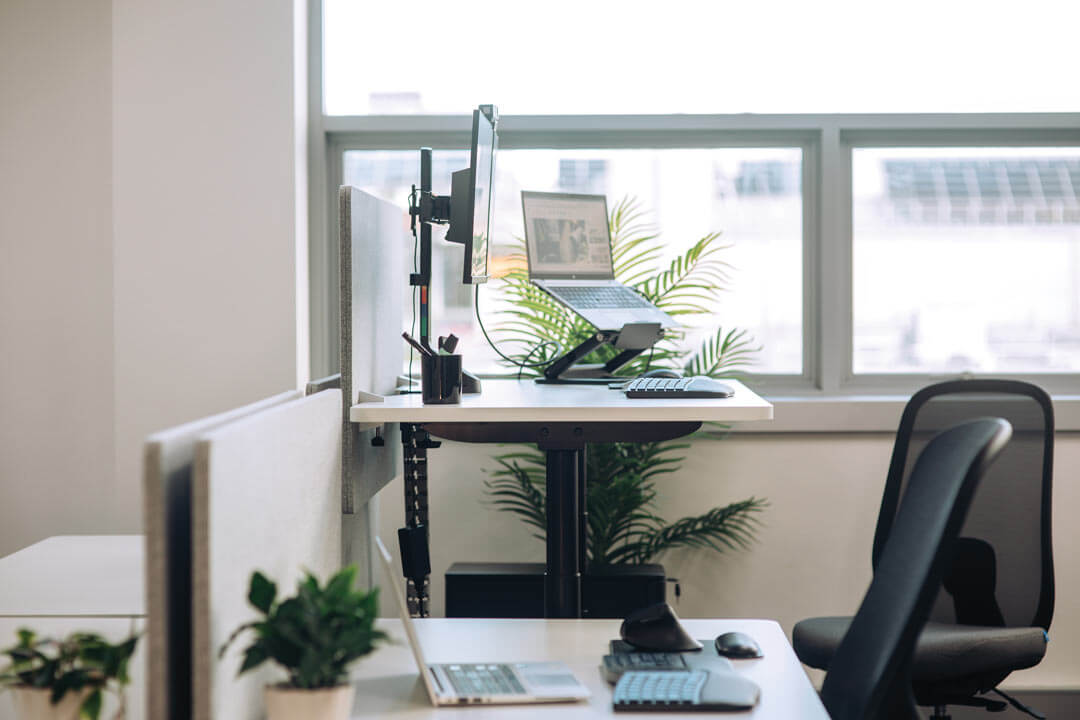
The Buro Syntra Back to Back Height Adjustable Desk 1500 x 750 visually anchors the space with a black frame variation.
Specifying a hot desk floor that fits everyone
A shared floor works when the desk fits whoever sits down, without them having to think about it. That comes from specifying for the full range of your team and making adjustments effortless, on a build that survives daily use. Get those right, and the compromises quietly disappear.
To see the Buro Syntra range and talk through a configuration for your floor, find your nearest Buro dealer.